 Nubo
Free and open source · 64-bit Windows · Linux on x86_64 and ARM
Play your Game Boy games the way you remember them
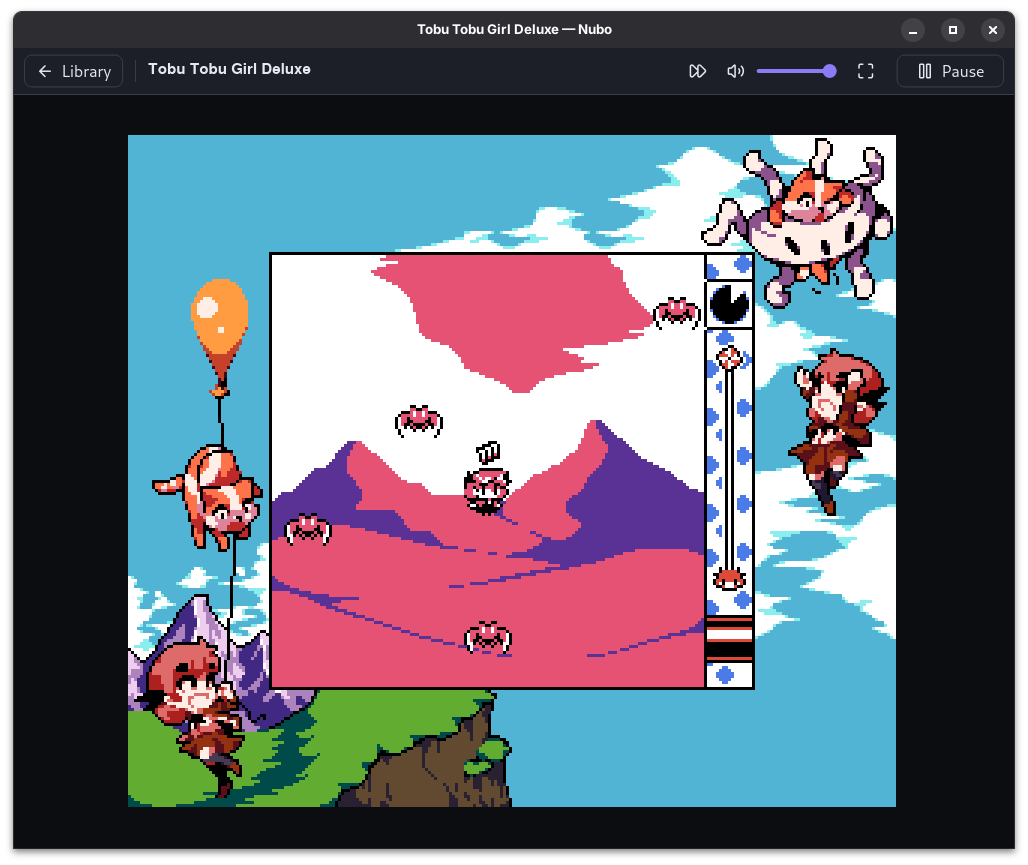
Nubo is a free Game Boy and Game Boy Color emulator. It recreates the console one cycle at a time, so the picture, the sound and every trick games play come out just as they did on the real thing.
Play in your browser
Nothing to install
All downloads
The newest version of Nubo. What's new
Windows
For 64-bit Windows. The installer adds Nubo to the Start menu and updates an installed Nubo. The zip runs without installing.
Linux
A Flatpak, which works on almost every Linux. Most PCs need x86_64; ARM computers, such as a Raspberry Pi, need ARM.
Browser
Everything the desktop app has, on any computer with a modern browser. Your games and saves stay in the browser.
macOS
There is no Mac app to download yet. Play in your browser, use the RetroArch core, or build Nubo yourself.
RetroArch
Nubo as a core for RetroArch. How to install it
Installing
A minute, and your saves and settings stay when you update.
Windows
- Open the downloaded
Nubo-windows-x64.msi. It installs Nubo for you alone, without asking for administrator rights. - Nubo isn't signed yet, so Windows may say it protected your PC. Choose More info, then Run anyway.
- To update, run the newer installer. It replaces the old Nubo and keeps your choices.
Linux
- Open the downloaded
.flatpakfile with your software center, or install it from a terminal:
flatpak install --user Nubo-linux-x86_64.flatpak
- The first time, Flatpak also downloads what Nubo needs from Flathub.
- To update, install the newer file over the old one:
flatpak install --user --reinstall Nubo-linux-x86_64.flatpak
Made for playing
Everything you need to sit back and play, with nothing to set up first.
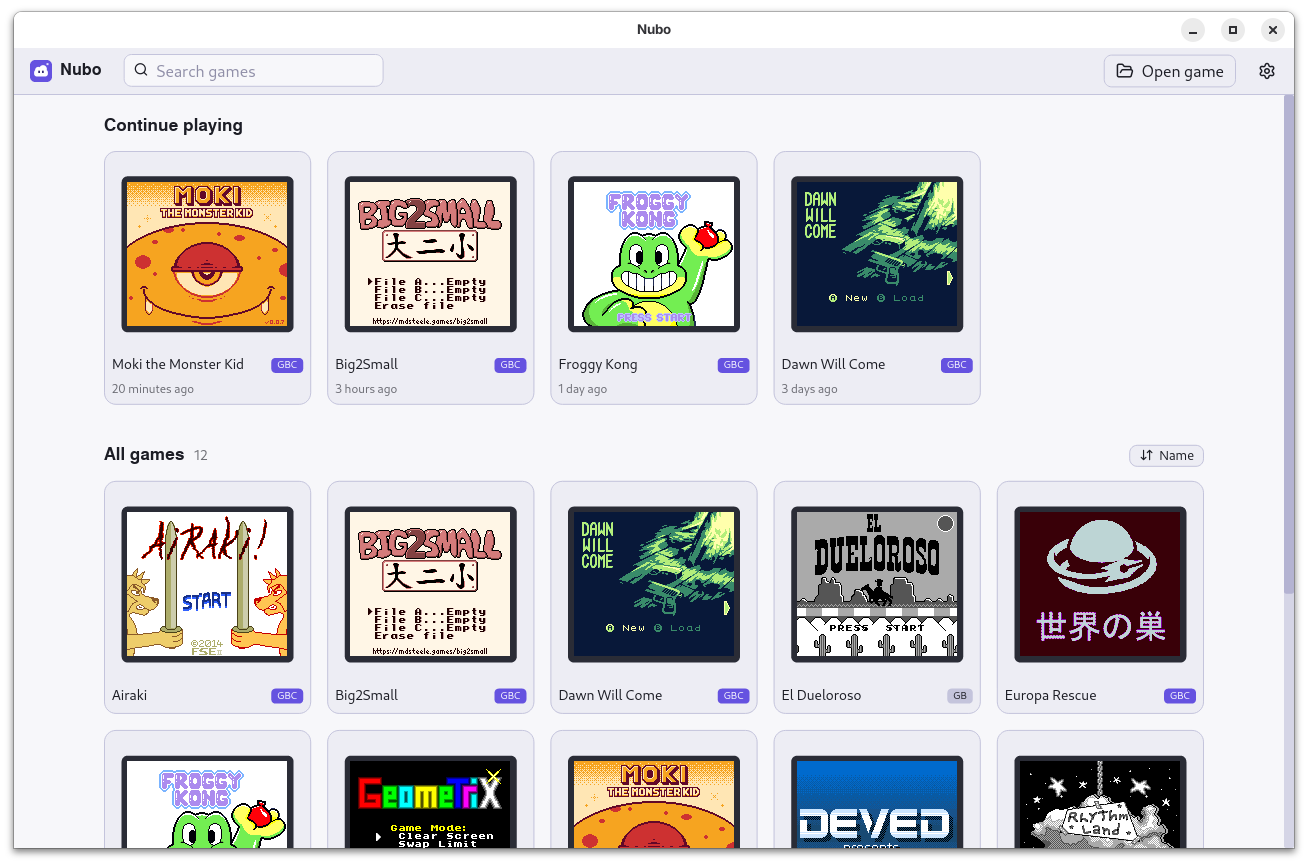
Your games in a library
Point Nubo at your games folder and every game shows up with its title screen, the ones you played last up front.
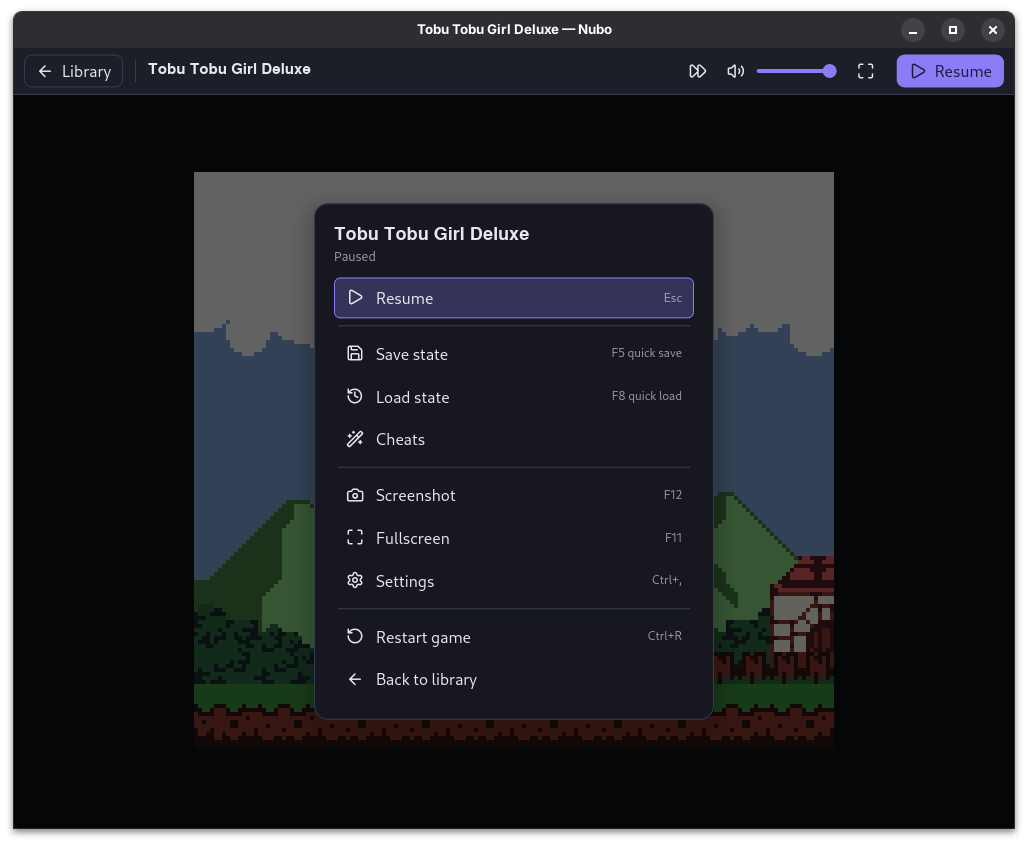
Save anywhere
Save states with a picture, quick save and load, rewind a few seconds, and pick up right where you left off.
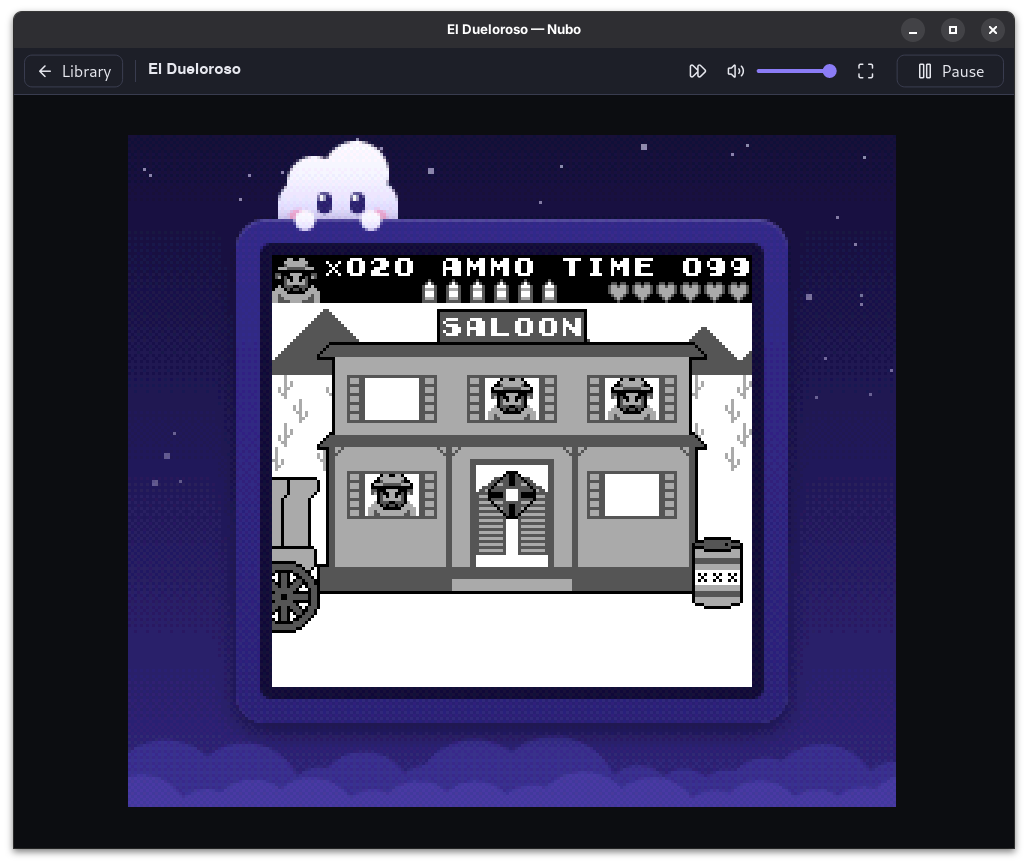
Super Game Boy colors and borders
Games made for it show their own colors and border, as they looked on a TV. Up to four players can join in.
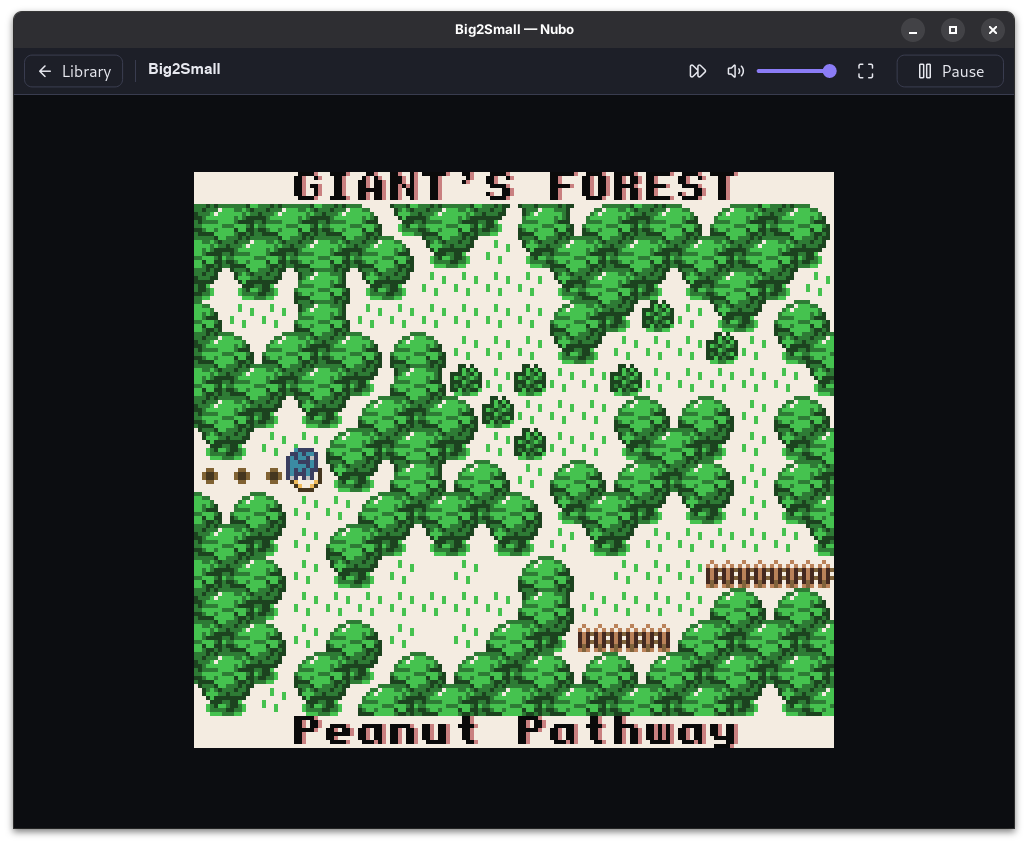
True to the real console
Nubo runs games as the hardware does, cycle by cycle, with the soft colors of the Game Boy Color's own screen.
- Keyboard or controller: change any button, and the menus work with a controller too.
- Every Game Boy: the original, the Pocket, the Super Game Boy 1 and 2, the Game Boy Color and the Game Boy Advance playing Game Boy games.
- Colors: gray, green or Pocket screens, Super Game Boy palettes with an editor, and light and dark themes.
- Cheats: GameShark and Game Genie codes, kept for each game.
- Fast forward, rewind, fullscreen and screenshots, a key or a button away.
- Your saves move along: in-game saves are plain
.savfiles that work in the RetroArch core too.
Where to get games
Nubo doesn't come with any games. Play the games you own, or the many free ones made by fans today, such as Tobu Tobu Girl Deluxe, µCity or those on Homebrew Hub.
Made with AI
Nubo is made almost entirely by AI: nearly all of its code and documentation were written by Claude, Anthropic's AI model. Its maintainer decides what Nubo does and chooses what goes in.
If you'd rather not use software made this way, that's a fair choice. Read more